

Roadside Stall helps customers find farms, farm shops, meat boxes, fresh eggs, raw milk, local produce, events, campsites and rural places across the UK. This guide shows you how to set up your producer profile, add offers, manage your details and use the tools available to you.
You do not need to be technical. Start with the basics, then improve your profile over time.
Register as a producer in the app or on the website. After registration, check your email and confirm your account. If you cannot see the email, please check your spam or junk folder.
Add your business name, description, logo, photos, contact details and location. When your profile is ready, submit it for verification. After approval, your profile can become visible on the Roadside Stall map.
Show customers what they can buy from you, such as eggs, meat boxes, raw milk, veg boxes, honey, farm shop products or seasonal produce.
Use your direct link or QR code on Facebook, leaflets, market stalls, farm shop counters, packaging, signs and product labels.
You can manage Roadside Stall from the website or directly inside the mobile app.
The app is the best way to manage your profile on the go, reply to customers, follow activity and receive notifications.


The website is useful when you want to set up your account from a computer, write a longer description or manage your profile with a bigger screen.
Your producer account gives you tools to present your business, update customers and keep your information accurate.
Your main dashboard. View key information, manage your account and keep an eye on your profile activity.
Edit your producer profile, description, photos, logo, contact details, public information and map location.
Add, edit and refresh offers so customers can see what is currently available from your farm or local food business.
Promote farm events, open days, markets, seasonal days, workshops, tastings or special rural activities.
Add rural stays, campsite pitches, farm accommodation or countryside places where visitors can stay.
Customers can contact you through the app, so they can ask questions, arrange collection or check availability before visiting.
Most people are not searching for the name of a farm they do not know yet. They are searching for products, places and local food near them.
Offers help customers understand what they can get from you right now. A good offer title, clear photo, useful description and accurate location can make your profile much easier to discover.
A complete profile helps customers trust your business and understand how to buy from you.
When customers follow your profile and tap the bell, they can receive notifications when you add new offers — in the mobile app and also on the Roadside Stall website when they are logged in.
This means your latest offers do not depend only on social media algorithms. If you add fresh eggs, meat boxes, raw milk, milkshakes, farm shop products, events or seasonal produce, your followers can be notified directly through Roadside Stall.
App users can receive push notifications on their phones, and logged-in website users can receive notifications on the Roadside Stall website. Encourage customers to follow your profile and tap the bell, so they do not have to wait for Facebook, Instagram or any other platform to show them your post.
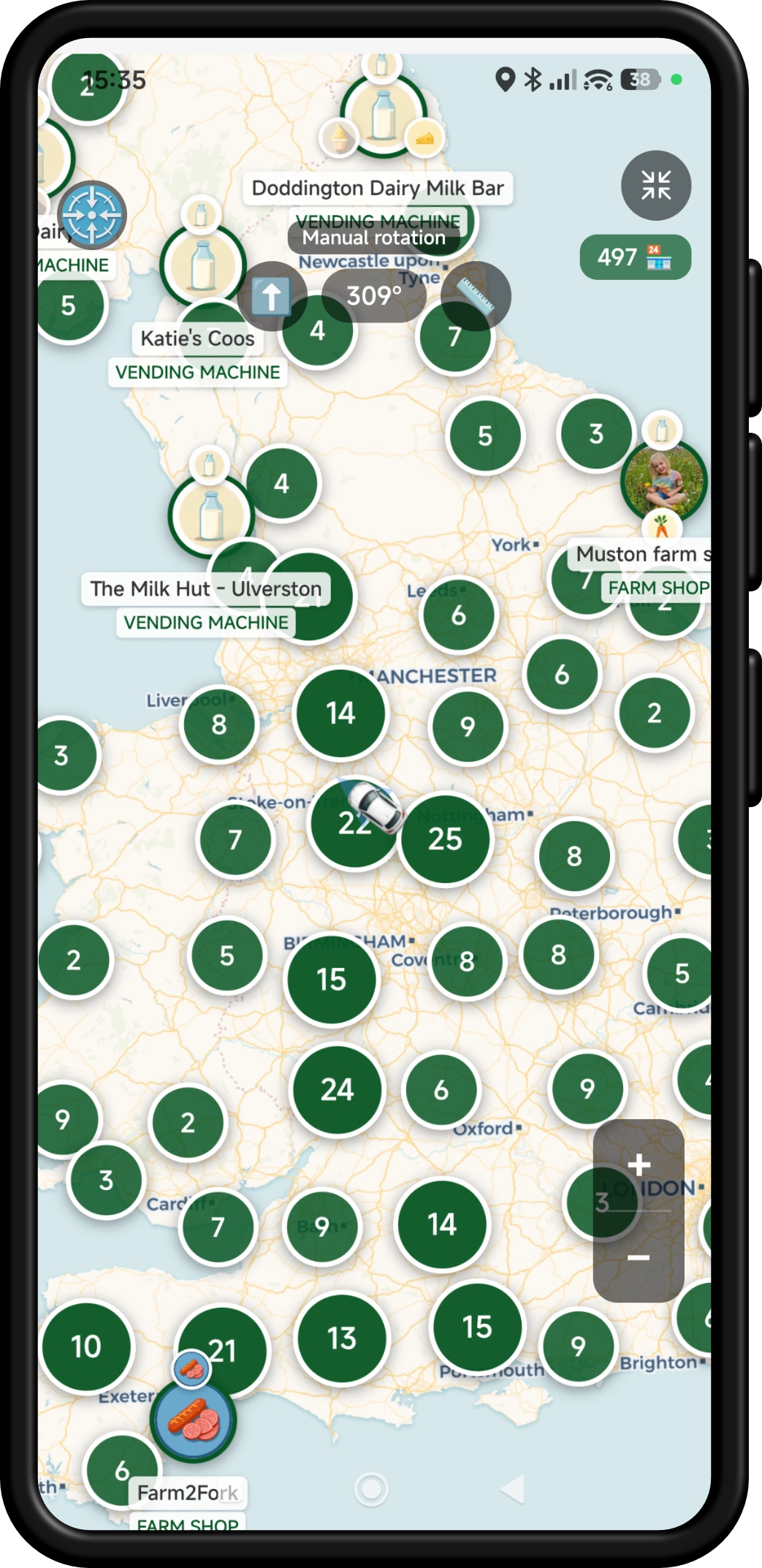
Your Roadside Stall links and QR codes are designed to send customers to you, not just to a generic homepage.
Share your public producer profile on Facebook, your website, in messages, newsletters or local community groups.
Send customers straight to a specific offer, such as a meat box, fresh eggs, raw milk, veg box or seasonal product.
Use QR codes on farm signs, market stalls, leaflets, meat box labels, milk vending machines, farm shop counters and packaging.
A QR code can help turn offline attention into a direct visit to your Roadside Stall profile, offer, event or campsite listing.
Not every farmer wants to spend time working out app settings — and that is completely fine. If you need help adding your profile, photos, location, description or first offers, send us a message and we will help you get it sorted.
Follow us on Facebook
Follow our page for new local food offers, farm shops, raw milk vending machines, egg stalls, events, farm campsites, camping spots and Roadside Stall updates.
 Roadside Stall
Use the app to find farm shops, raw milk vending machines, fresh offers, events and campsites near you — or see local food stops you’re passing on your journey.
Exact farm-pin navigation
Nearby offer notifications
Find stops while travelling

Scan to get the app
 (Blocked)